
Skin Unlock
Preview every skin locally

At a glance
Key capabilities
What Skin Unlock focuses on before you open the full module list.
Plus 7 additional modules in the operator portal—see the full list below.
Overview
Built around a local cosmetic preview workflow
How this build fits ranked, Turbo, and patch-day workflows.
Unlock All lets you browse weapon skins, outfits, and rare variants locally in Rust—searchable catalog, favorites, and loadout export without modifying live Steam purchases.
Cosmetics display on your client for testing and content creation. Other players see your actual inventory, not preview skins. Included free with Elite; available standalone for cosmetic preview without combat modules.
Local preview only
Weapon and outfit skins display on your client for testing and content creation. Other players on the server see your actual Steam inventory, not preview skins.
Included with Elite
Skin unlock utility ships inside the Elite tier. Buy standalone here if you want cosmetic preview without full combat modules.
Modules
What's included
Every module and overlay shipped with Skin Unlock—toggle and tune in the operator portal.
- Weapon skin swap
- Outfit & armor preview
- Effect customizer
- Loading screen themes
- Crosshair & HUD themes
- Deployable skin preview
- Favorites list
- Loadout export
Experience
In the client · After you buy
Use the screenshots above for Skin Unlock—below is what each layer means and how access works after checkout.
In-game layers
- Layer A
Skin preview
Browse weapon and outfit skins on your client—other players still see your real Steam inventory on official.
Guides
Learn more about Skin Unlock
Curated articles for setup, tuning, and patch-day checks that match this product.
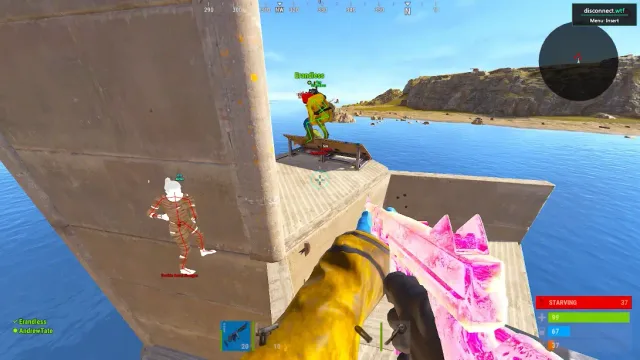
Client-side Rust skin preview and unlock-all utility on Elite—cosmetics without server item spawn.
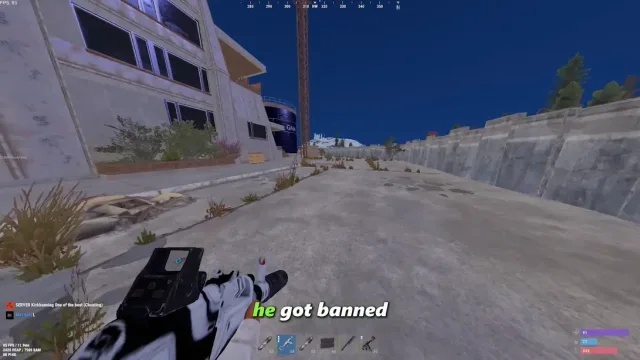
Complete GetRustCheats module map—player ESP, silent aim, no recoil, loot ESP, radar, stream proof, and tier breakdown.
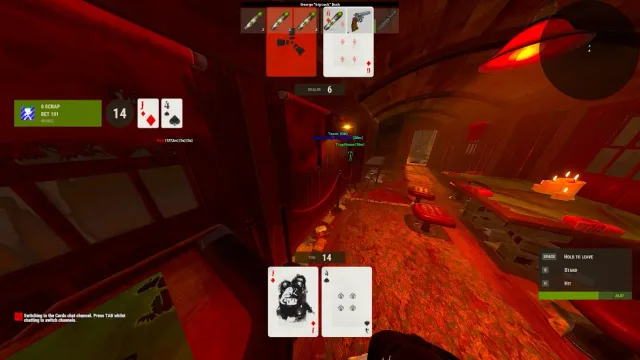
Hide GetRustCheats ESP and radar from OBS, Streamlabs, and Discord stream while playing Rust.
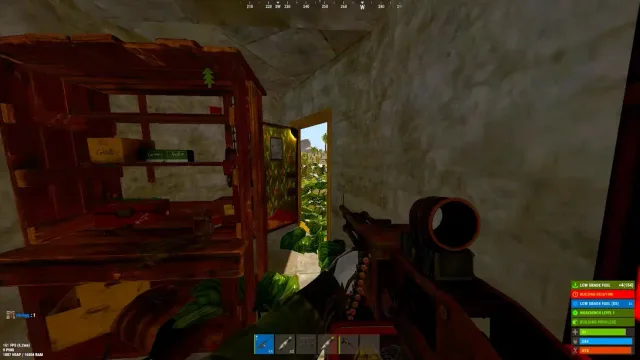
Facepunch Rust admin and F1 commands for server owners—auth levels, bans, kits, and wipe tools (not ranked third-party cheats).
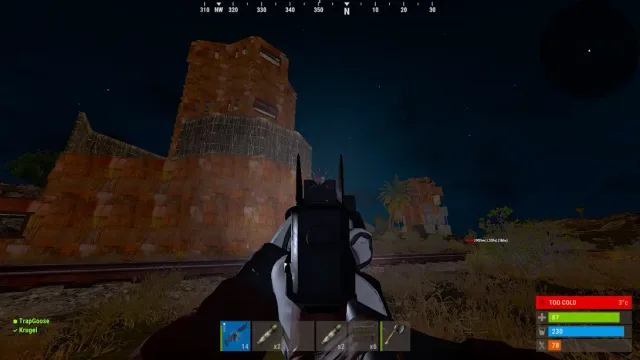
Useful Rust F1 client commands—graphics, binds, perf, and combat feedback without touching server admin auth.
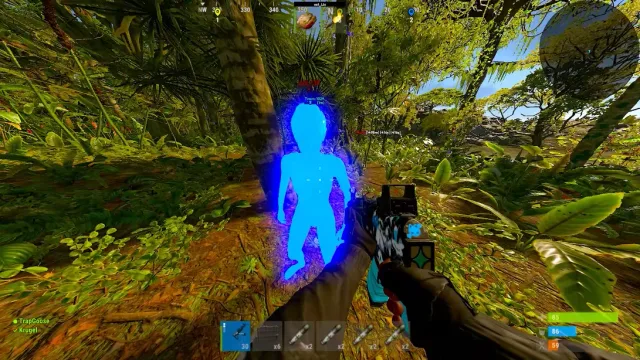
Step-by-step: enable admin auth, open F1, run moderation commands safely on your Rust server.
FAQ
Questions about this page
Answers tied to what you are reading—visit the FAQ page for every topic.